Scenario: Inspect S-124 navigational warnings
Why it matters
S-124 datasets are event-heavy and best explored interactively before automation.
Quick win
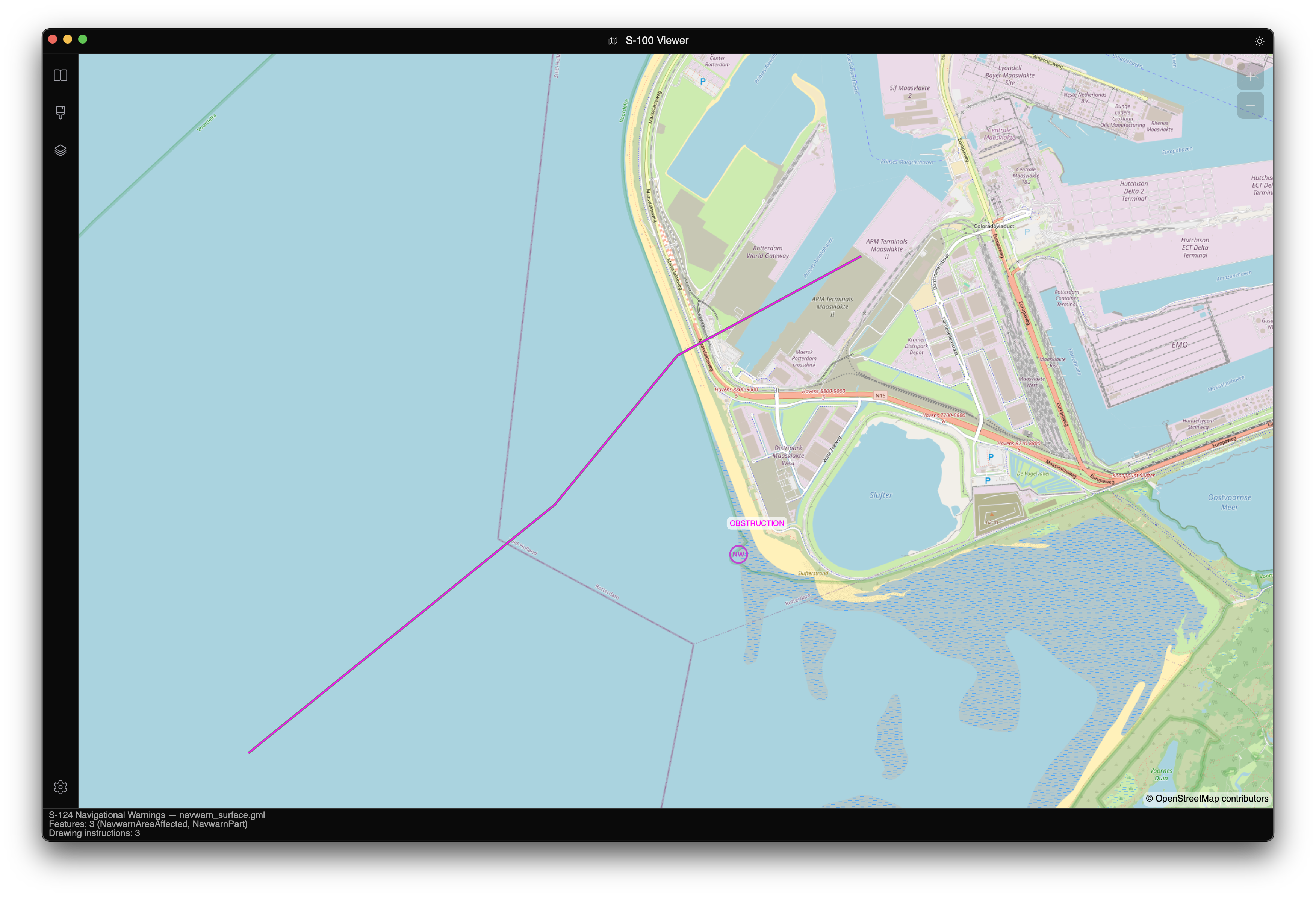
Open a .gml S-124 dataset in the viewer and inspect features in Pick mode.
Deep dive
- Launch viewer and load dataset.
- Open Object Information and click warning features.
- Switch Day/Dusk/Night palette to validate readability.
- Use the timeline if the warning set includes temporal transitions.
Troubleshooting
Important
If nothing appears, verify the loaded file is S-124 GML and not a different S-12x product with similar geometry.